Tags: Empleados, create, employee, high
Lesson ID-202.1
Updated to:
26/01/2026
Lesson objective
The user needs to know the employee's record within the system in order to begin creating the catalog.
Create an employee
To begin, you must log in to the system as indicated in lesson ID-101.1
Enter the "Employees" module to begin registration, as at this point it is essential that you have registered the recipients (employees).

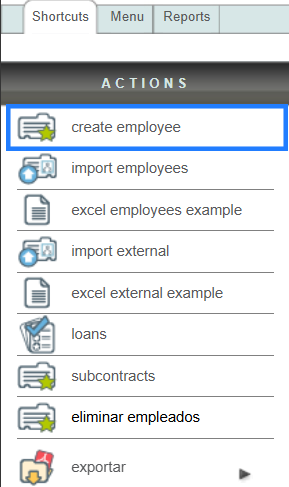
Once inside the module, go to the "Actions" menu and click on the "create employee" option.
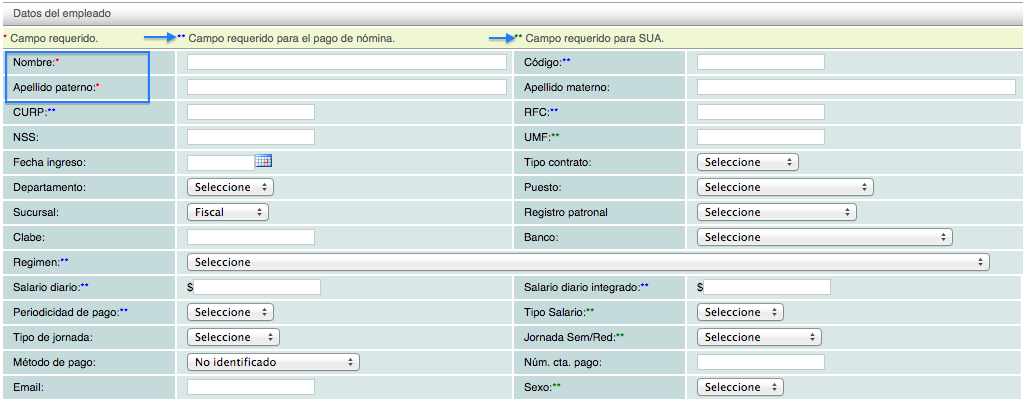
Fields marked with an asterisk (*) are mandatory; the rest of the data requested in this section are for informational purposes and only help you maintain more information about your employee.
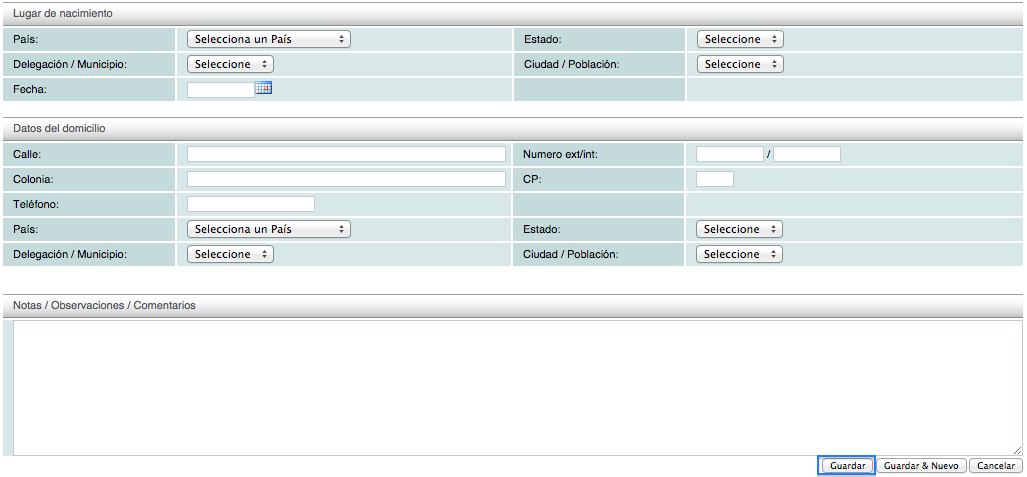
Note: verify the employee's RFC (Taxpayer Identification Number) information. Our system validates that this information complies with official standards. For more information, see the RFC structure.
Click on lesson ID-201.1 to create a payroll receipt.
