Tags: Sales Order, Invoicing, recuring, repeat
Lesson ID-108.1
Updated to
17/02/2026
Lesson objective
That the user knows how to create a sales order and how to make it recurring.
Create a sales order
To perform this action, you must first log into the system as indicated in lesson ID-101.1
Click on the "Sales Order" module.

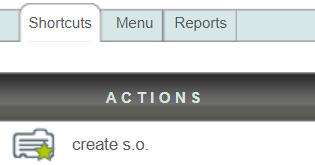
On the left side of the page you will find the Actions menu, click on the "create s.o." action.
Using the fields "ID", "Cliente" or "RFC" you can search for the client to whom the sales order will be generated.

Choose an "Almacén" and register the desired product(s)/service(s) using a code. See how to create products in lesson ID-105.1
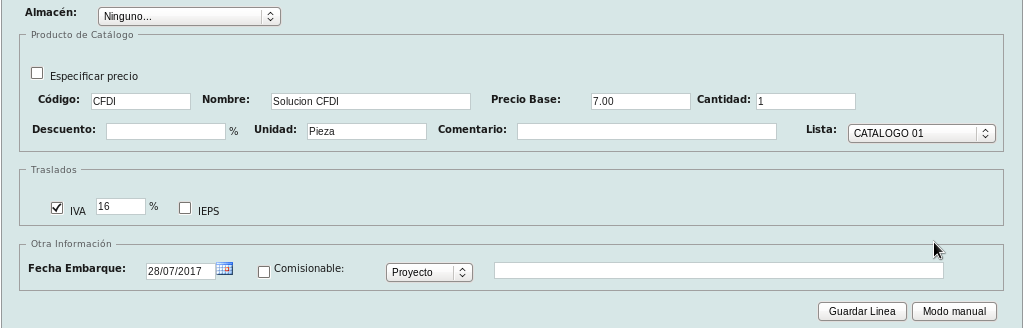
If you wish to add a product without registering it, you can click on the "Modo manual" button.

To finish adding the product, click the "Guardar línea" button. You can add as many products as you need.

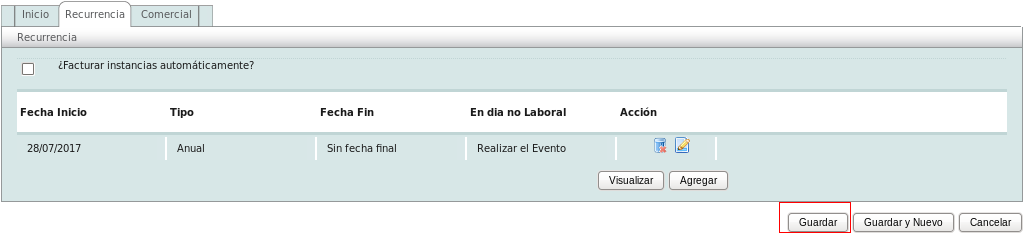
If you wish to save the sales order without adding a recurrence, click the "Guardar" button at the bottom of the page.

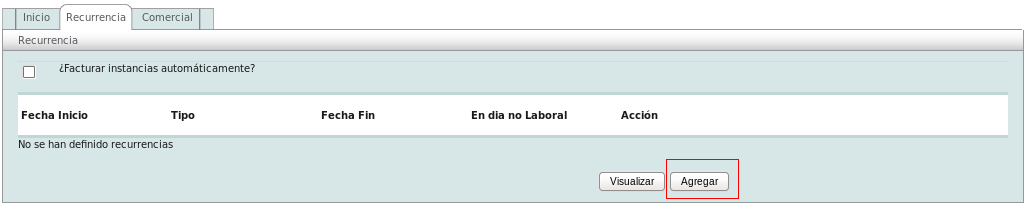
To add a recurrence, click on the "Recurrencia" section and then click on the "Agregar" button.
In this menu you can define:
- Regla de recurrencia or Recurrence rule (can be per day/week/month/year).
- Rango de fechas en la recurrencia or Date range in the recurrence (you can choose the start and end date of the recurrence).
- Excepciones or Exceptions (order creation exceptions by selecting the day).
- Días no laborales or Non-working days (actions the system will take on a non-working day).
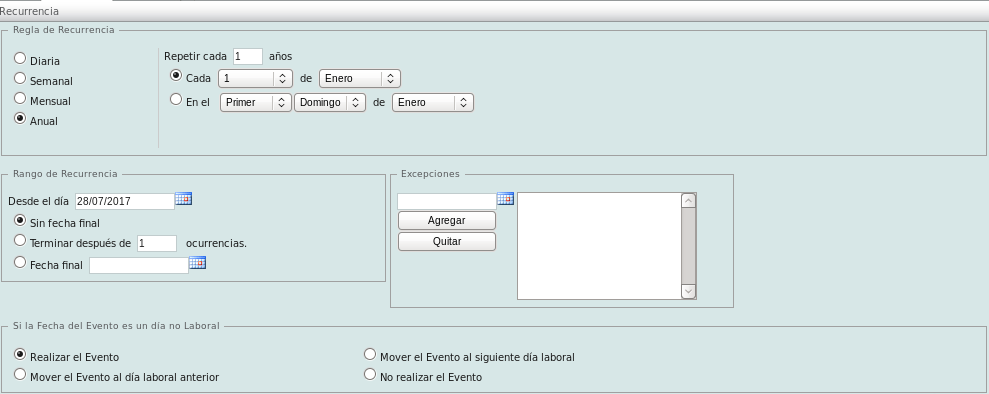
To add recurrence, click the "Agregar" button.

To save the sales order, click the "Guardar" button.