Tags: Create, point of sale
Lesson ID-112.1
Updated to
06/03/2026
Lesson objective
That the user knows how to create a point of sale.
Create point of sale
To perform this action, you must first log into the system as indicated in lesson ID-101.1
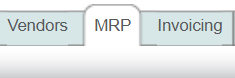
Then, click on the "MRP" module.
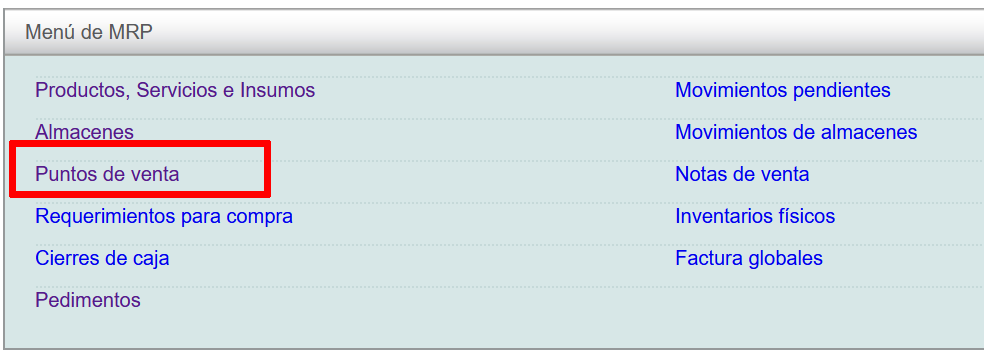
Next, click on the "Puntos de venta" option and then on the "Nuevo" action in the "Actions" menu on the left of the screen.
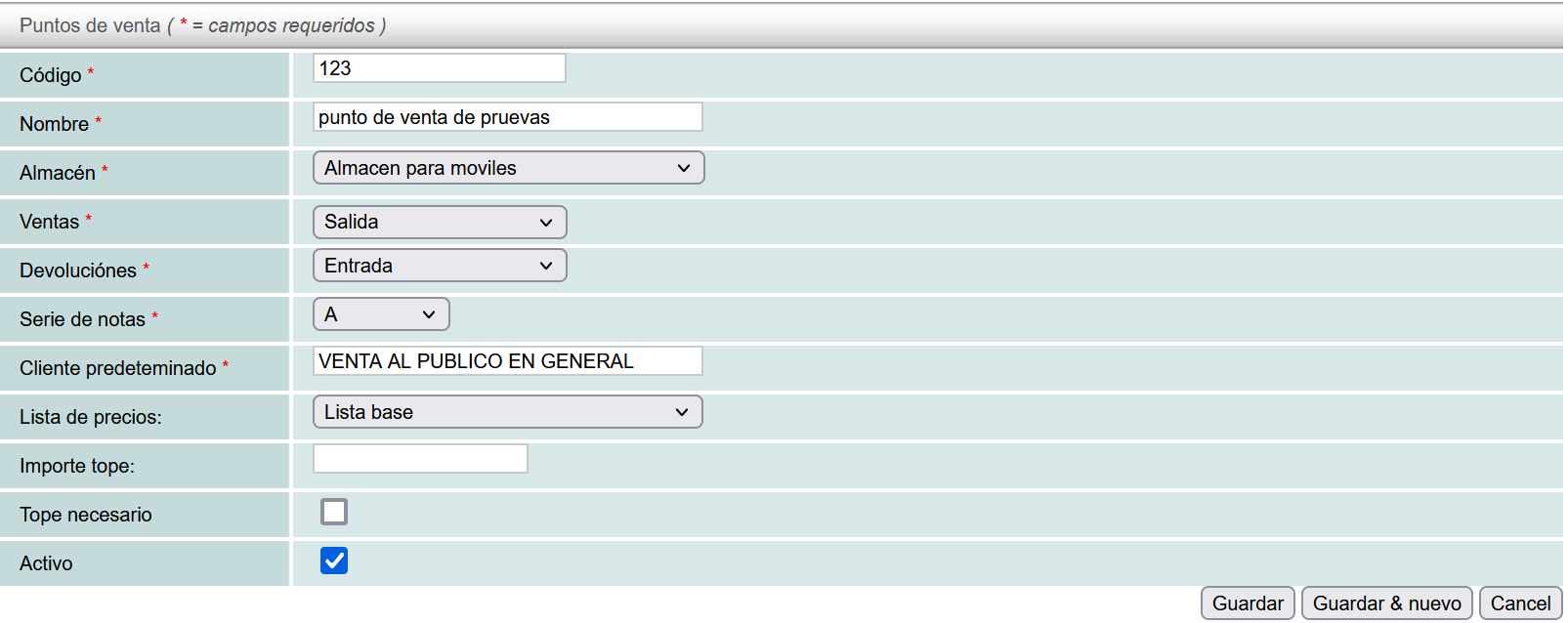
The following information is required:
- Código del Punto de Venta (Point of Sale Code): any words or numbers to identify this point of sale.
- Nombre del Punto de Venta (Name of the Point of Sale)
- Almacén (Warehouse): The point of sale must be linked to a warehouse. If you want to see how to create a warehouse, you can see the following lesson l.
- Ventas ( Sales): Tipo de venta (Type of sale). You can select the type of transactions this point of sale will have, for example: Salidas por traspaso de almacén, Merma o Venta de productos.
- Devoluciones (Returns): Tipo de devoluciones (Types of returns). You can select different types of returns or entries at your point of sale, for example: Entradas por traspaso de almacén, Devolución de mercancía o Ajustes.
- Serie (Series):Control series for sales receipts. This series is separate from the invoicing series and provides control over the point of sale.
- Cliente Predeterminado (Default Customer): Customer to whom all sales notes will be made, in this case it is recommended to be the customer of “Venta al Público en General”, at any time you can choose between the different customers stored in your “Clientes” database.
The following information is not required:
- Importe Tope (Maximum Amount): maximum amount of cash in the till
- Tope Necesario (Required Limit): if you enable this option, the system will not allow sales once the limit is exceeded. Otherwise, the system will allow sales even if the limit is exceeded.
- Activo (Active): allows you to define if the Point of Sale is active.
Once you have filled in the data, click on the "Guardar" button.
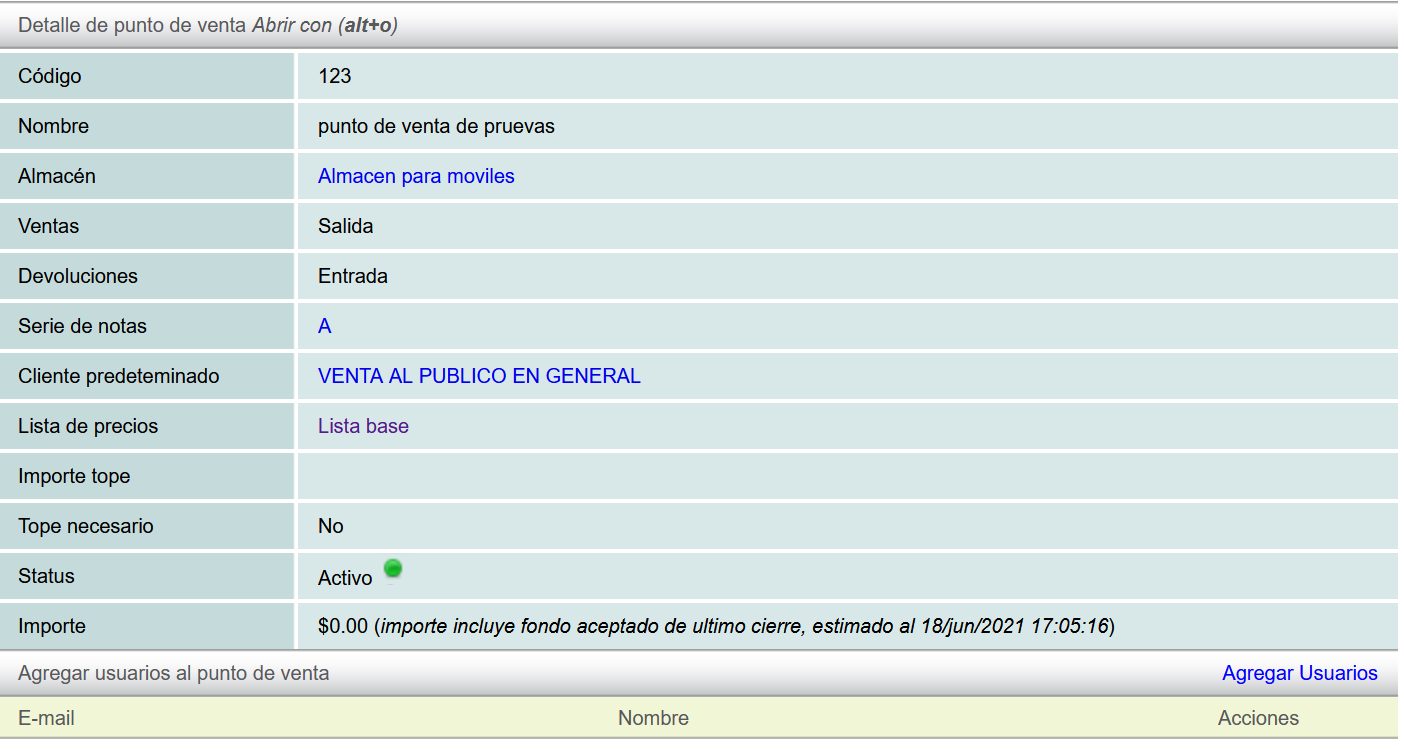
The new point of sale will be displayed.