Tags: Create, almacén, warehouse
Lesson ID-111.1
Updated to:
04/08/2026
Lesson objective
That the user knows how to create a warehouse (almacén).
Create warehouse (almacén)
To perform this action, you must first log into the system as indicated in lesson ID-101.1
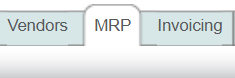
Click on the "MRP" module.
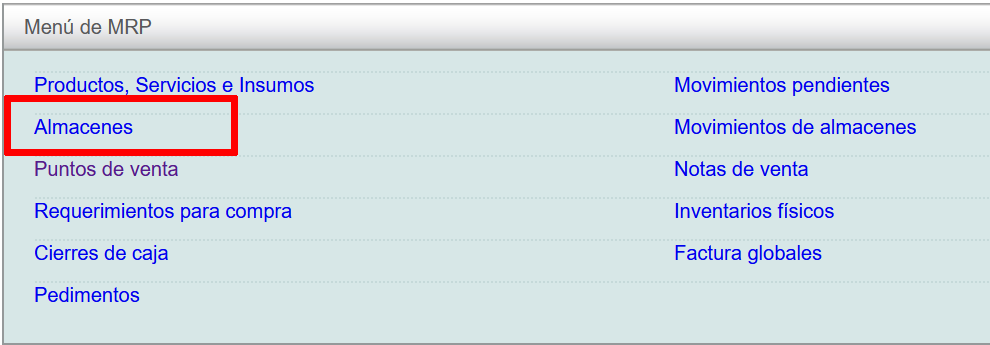
Then, click on the "Almacenes" option.
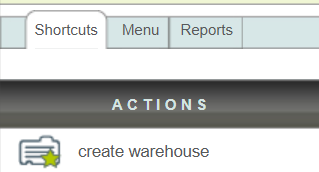
Finally, click on the "create warehouse" action in the "Actions" menu on the left side of the screen.
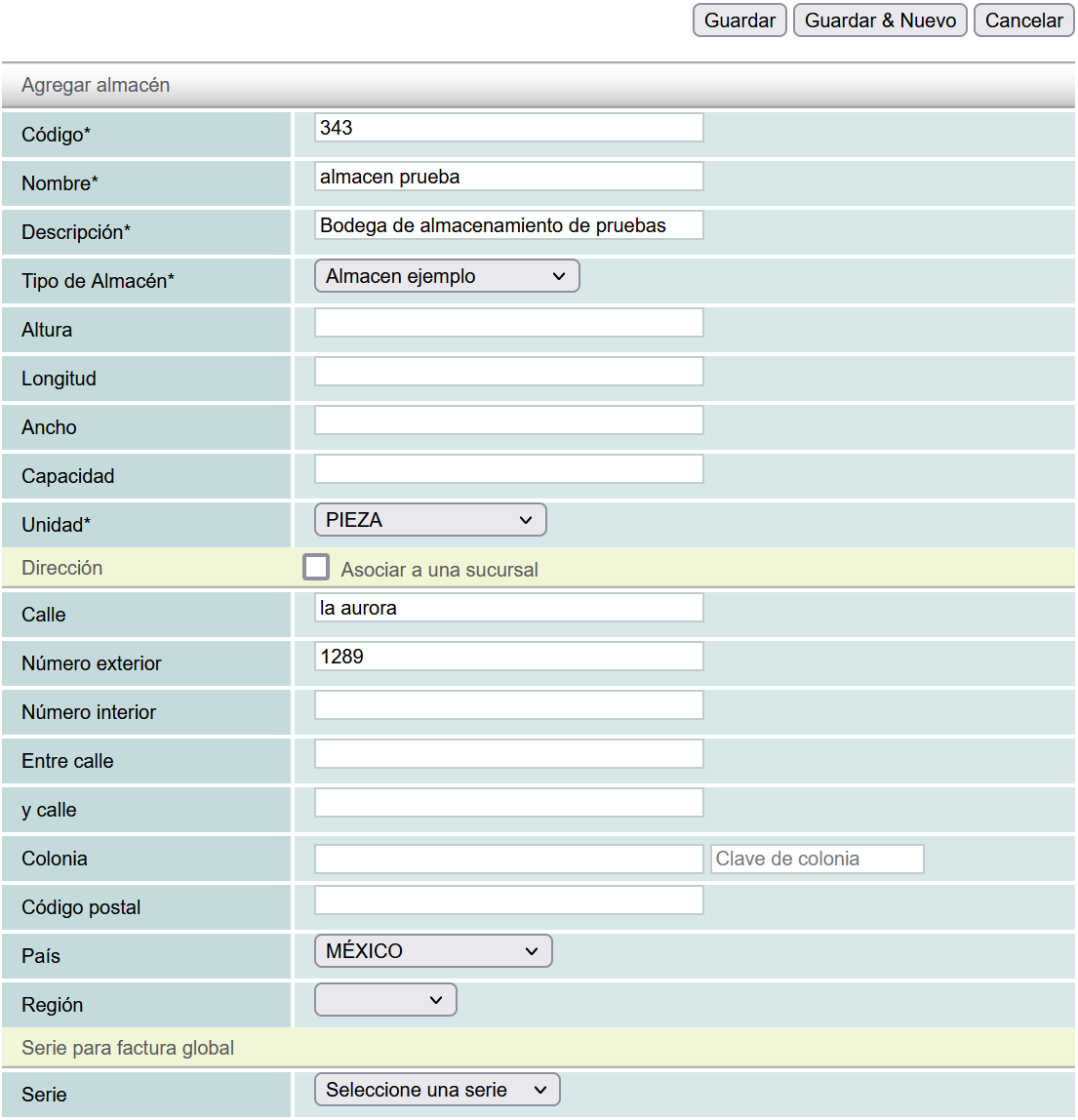
The required fields are:
Warehouse Code (Código del Almacén): any words or numbers to identify this warehouse.
Warehouse Name (Nombre del Almacén).
Warehouse Description (Descripción del Almacén).
Warehouse Type (Tipo de Almacén).
If you want to associate the warehouse with a branch, you must first create a branch. You can see the procedure in the Add a branch lesson.
Once you have filled in the data, click the "Guardar" button.
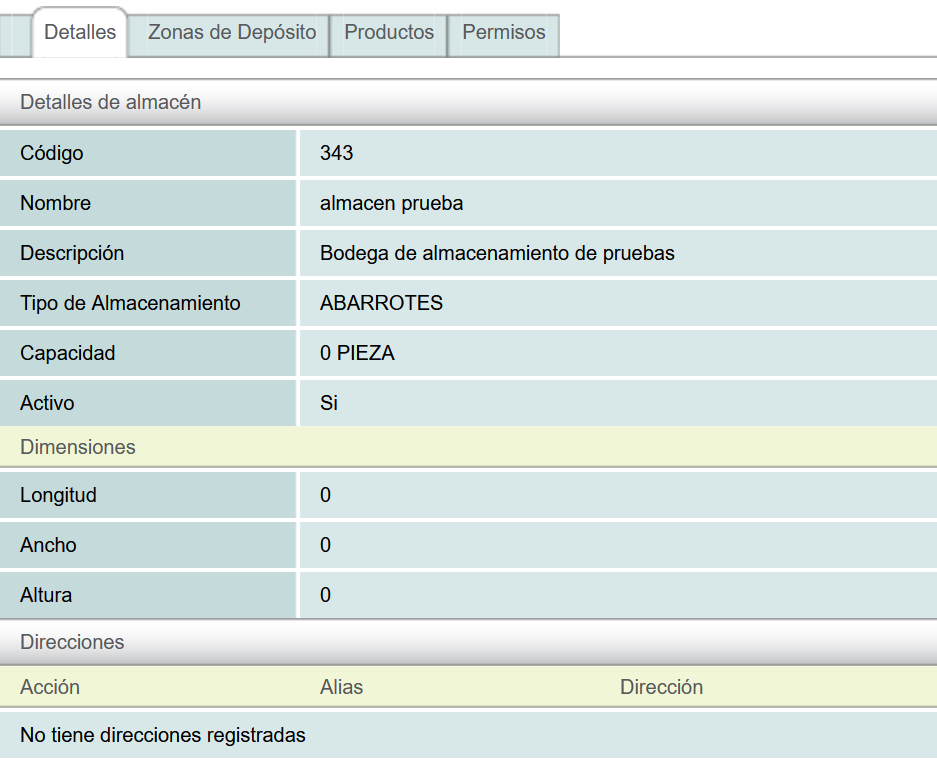
The new warehouse will be shown.