Tags: MRP, edit, product
Lesson ID-105.2
Updated to:
23/12/2025
Lesson objective
If you need to modify previously registered product data, whether due to errors during data entry, price changes, or any other reason, you can do so quickly and easily.
Edit a product
To perform this action, you must first log in to the system as instructed in lesson ID-101.1
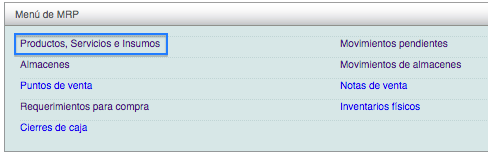
To begin registering products, access the "MRP" (Material Requirements Planning) module.

Select the "Productos, Servicios e Insumos" option by clicking on the indicated option.
Once inside the module, you will be able to view the product catalog, that is, the list of products you have registered in the system. Select the product you want to edit by clicking on its name.
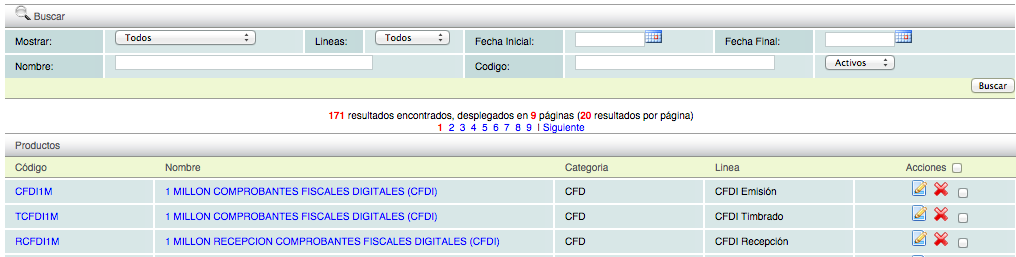
The summary information for the selected product will be displayed below. Go to the "Actions" menu and click the "editar" button.

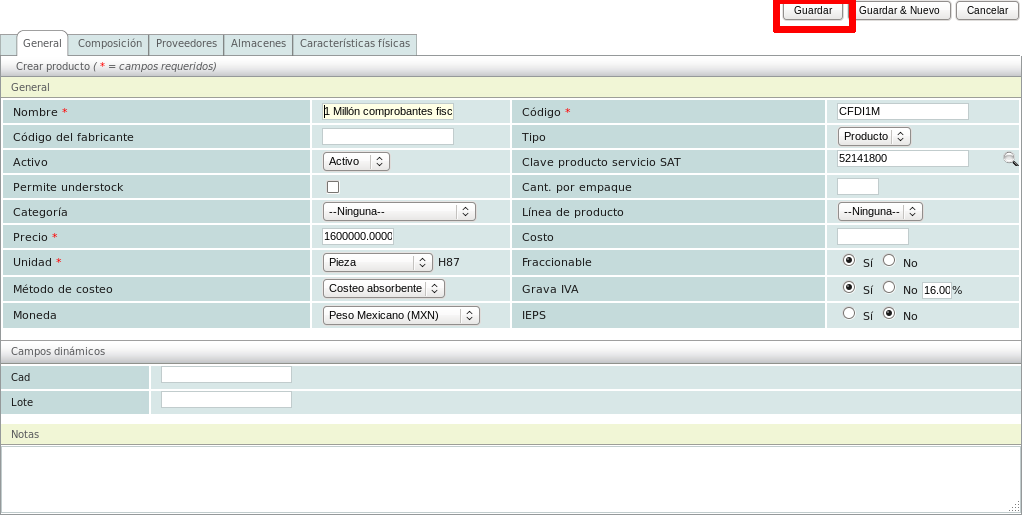
Make the necessary adjustments, and when you're finished, click the "Guardar" button.