Tags: Invoicing, create, payment, connector, TXT
Lesson ID-107.4
Updated to:
22/01/2026
Lesson objective
That the user knows how to create a CFDI with the payment addendum using the TXT v6.0 connector.
Create a CFDI with payment addendum using a TXT connector
With the TXT payment connector, you can quickly upload multiple e-documents; however, you first need to have the payment information defined within the text file. See how to fill in this information and download the connector file here.
To perform this action, you must first log into the system as indicated in lesson ID-101.1
Once inside the system, enter the "Payments" module.

After clicking on the "upload payment" option in the "Actions" menu on the left side of the screen.
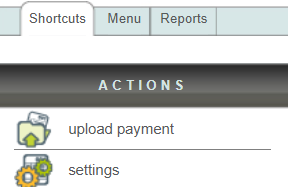
The window for uploading the connector file containing the payment information will appear.
First, select the "Elegir archivo" or choose file option to locate the ".txt" file on your computer that needs to be processed.
Once you have selected the desired file, select the "Upload" option to process your e-document.

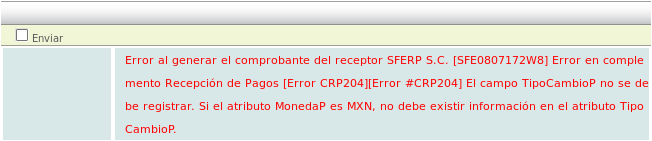
If the system finds any errors, it will inform you in detail.
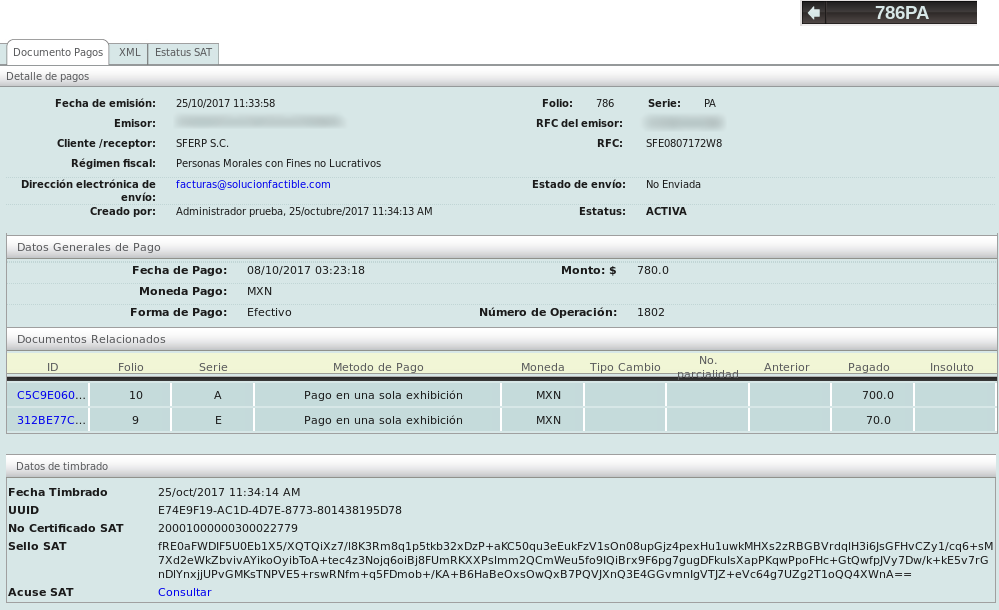
Otherwise, the system will display the payment receipt(s) created. You can click on the folio and series in blue, in example 786 PA to see the e-document.