Tags: Sales order, Invoicing, invoice
Lesson ID-108.2
Updated to:
24/02/2026
Lesson objective
That the user knows how to create an invoice using a sales order previously created in the Sales Order module or in the Invoicing module.
Invoice a sales order
To perform this action, you must first log into the system as indicated in lesson ID-101.1
In the "Sales Order" module
Click on the "Sales Order" module.

Find the sales order by customer name or order number, and click on it.
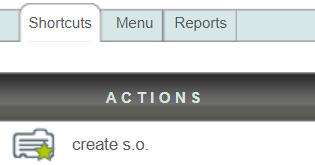
Verify that the information is correct and click the "Facturar" button. The system will take you to the "Invoicing" module and create a receipt with the sales order information.

Click on the "Guardar" button.

In the "Invoicing" module
Click on the "Invoicing" module.

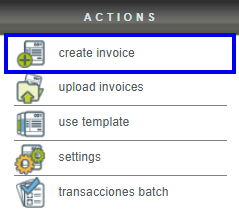
Next, click on the "create invoice" button located in the "Actions" menu.
Click on the "Orden de venta..." button.

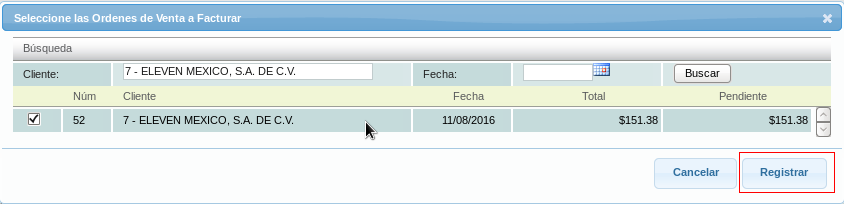
Find the sales order by customer name and click on it, then click the "Registrar" button.
Verify that the data is correct and click on the "Guardar" button.
