Tags: Add, storage area, warehouse
Lesson ID-111.2
Updated to:
06/03/2026
Lesson objective
That the user knows how to add a storage area to a warehouse
Add a storage area to a warehouse
To perform this action, you must first log into the system as indicated in lesson ID-101.1
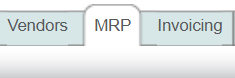
Click on the "MRP" module.
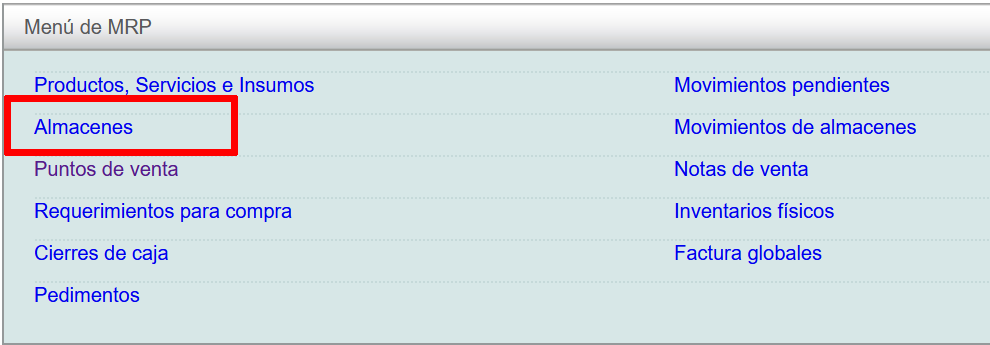
Next, locate the "Almacenes" option and click on it.
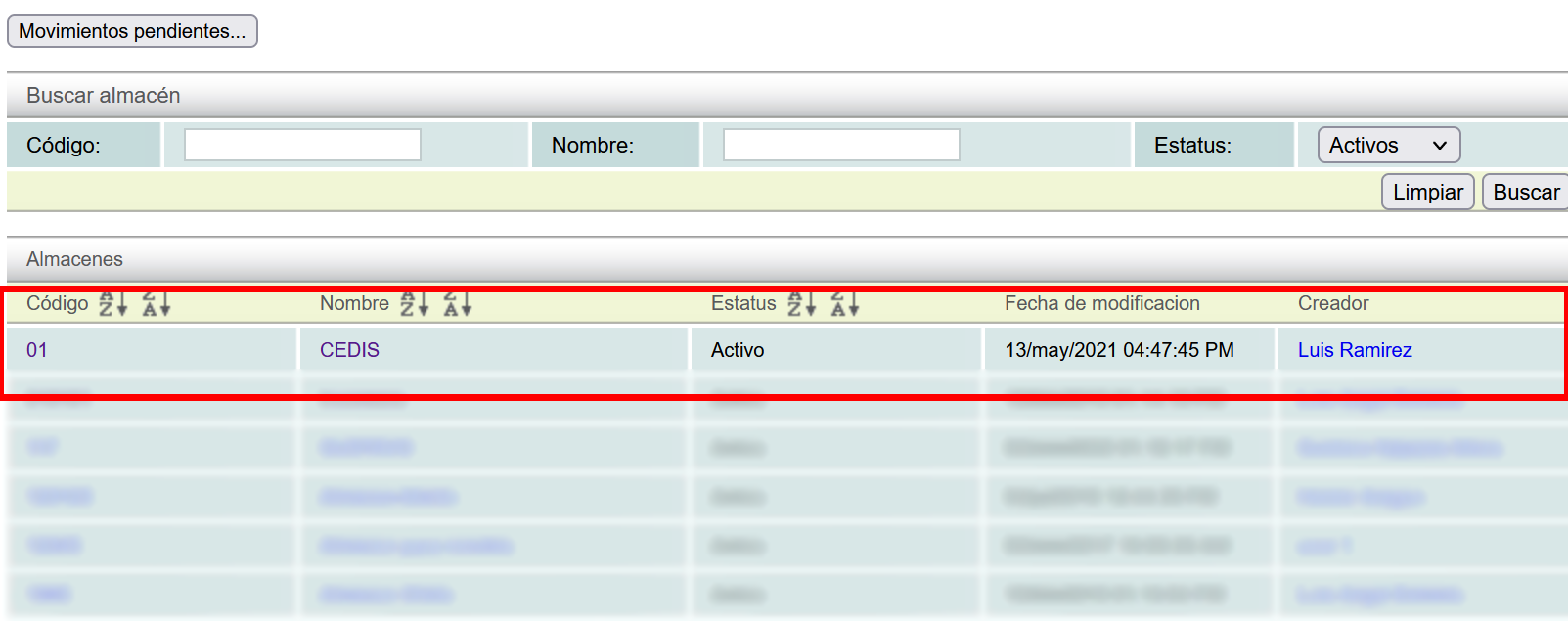
Then, click on a warehouse.
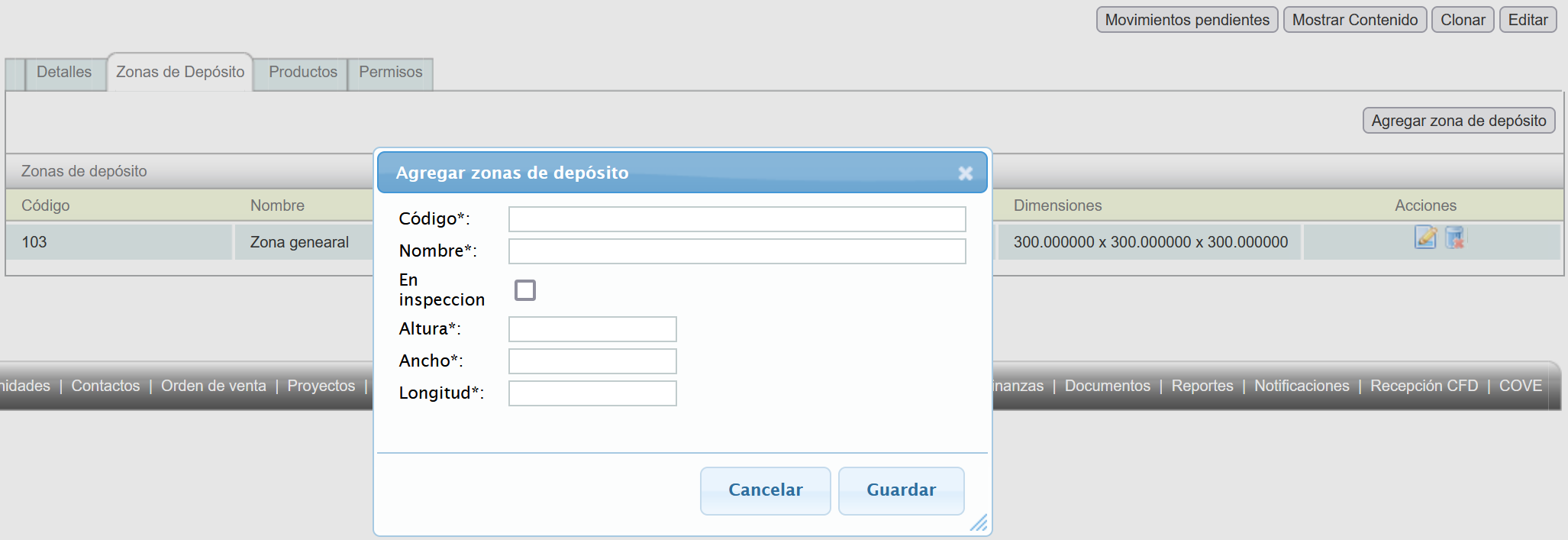
Finally, click on the "Zona de Depósito" tab and then on the "Agregar zona de depósito" button.

A window will appear with the data for the area to be added. Fields marked with an "*" are required. Once filled in, click the "Guardar" button.