Tags:
Lesson ID-110.3
Updated to:
04/03/2026
Lesson objective
That the user knows how to accept or reject the requests to cancel e-documents that they receive.
Accept or reject a cancellation request
Log in to the system as instructed in lesson ID-101.1
Once inside the system, go to the "e-document Validation" module.

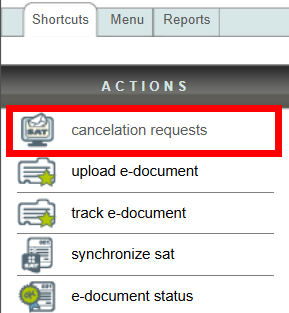
Click on the "cancellation requests" action in the "Actions" menu on the left side of the screen.
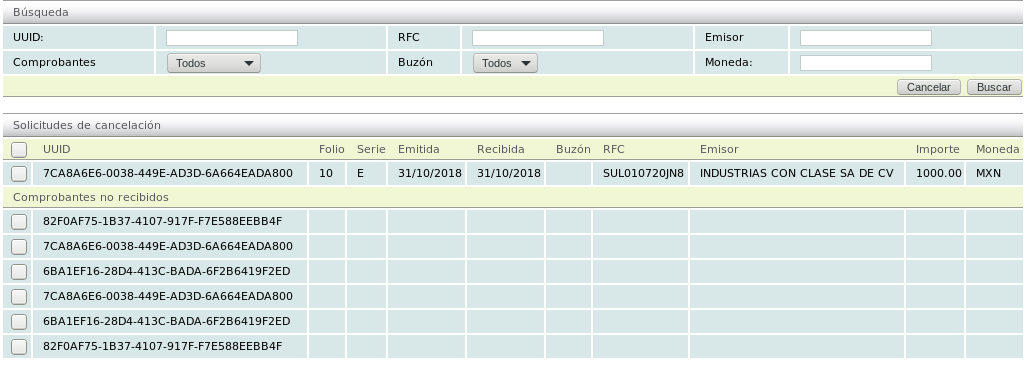
Received requests will be displayed. Those in the "Solicitudes de cancelación" category are requests for e-documents that you have in the system. Those in the "Comprobantes no recibidos" category are requests for e-documents that you do NOT have in the system.
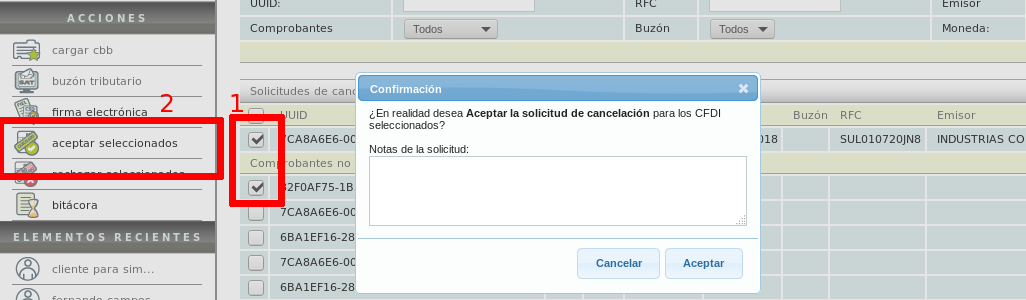
To accept one or more requests, first select them. Then click on the "aceptar seleccionados" action.
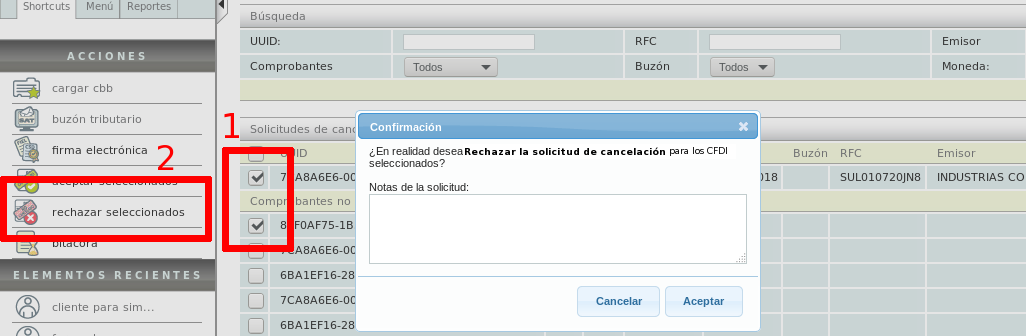
To reject one or more requests, first select them. Then click on the "rechazar seleccionados" action.
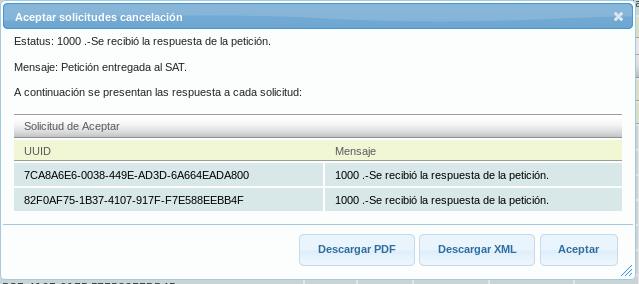
In either case you will receive a response to the action, from which you can download the acceptance or rejection acknowledgment document in PDF or XML format.
PDF file
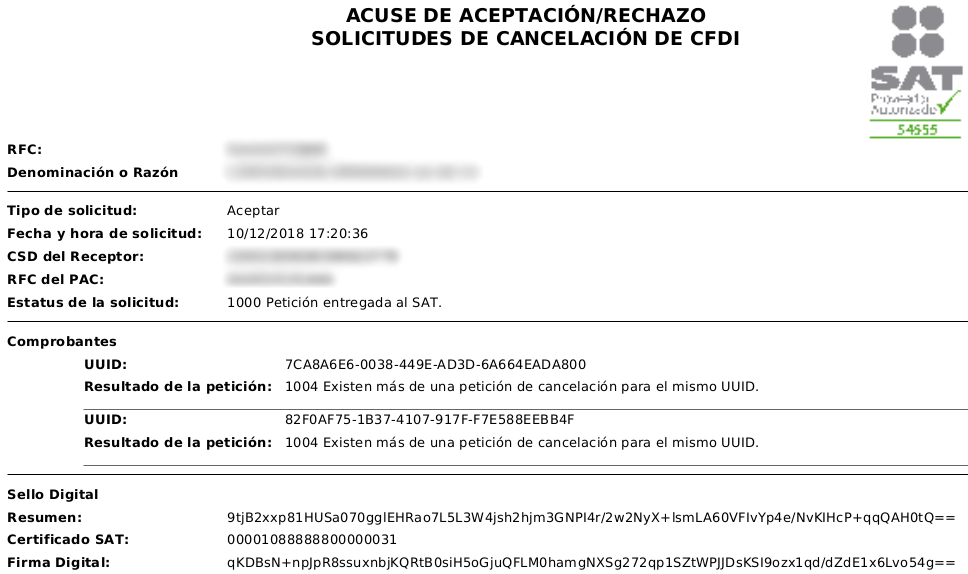
XML file
