Tags: series, configuration
Lesson ID-106.5.4
Updated to:
19/01/2026
Lesson objective
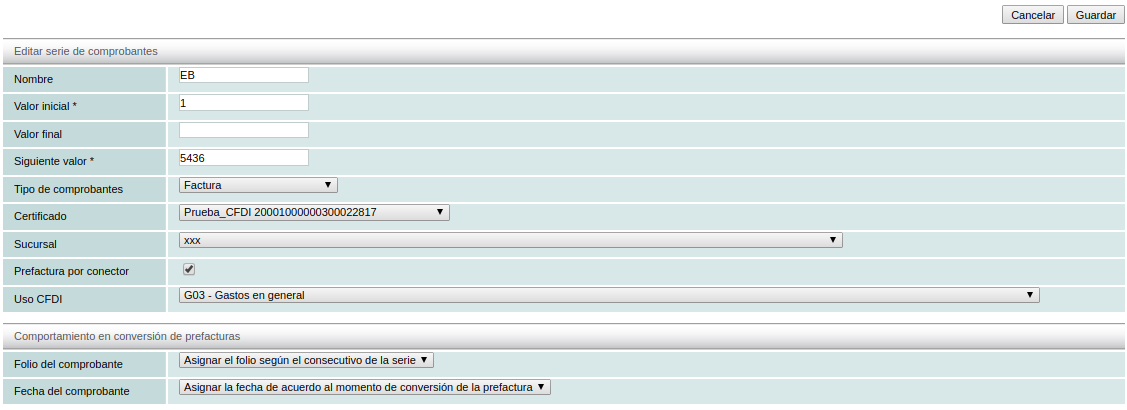
The user should know how to change the values of a series, such as the name, initial value, voucher type, etc.
To perform this action, you must first log in to the system as indicated in lesson ID-101.1Change a series
To perform this action, you must first log in to the system as indicated in lesson ID-101.1
Once inside the system, access the "Invoicing" module.

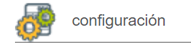
Next, click on the "Settings" button located in the "Actions" menu.
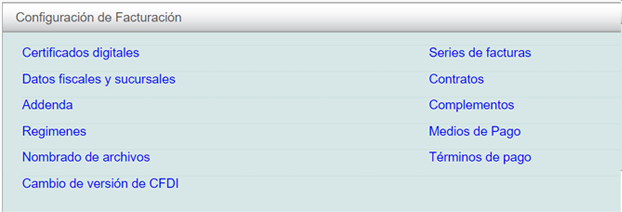
The available options in the settings panel will be displayed shortly. Click on the "Series de facturas" option.
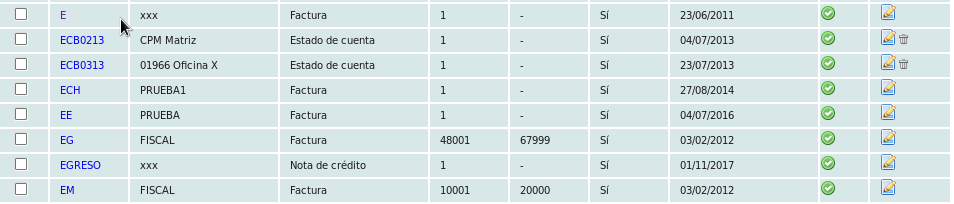
The system will display a list of registered series, showing the name, assigned address, and the type of e-documents it generates. Click on the name of the series.
Click on the "editar" option in the menu on the left.

Change the values you want and then click the "Guardar" button.