Tags: Customers, Invoicing, predetermine
Lesson ID-104.5
Updated to:
22/12/2025
Lesson objective
The user should know how to edit the default values for a customer's invoicing.
Set default invoicing information for a customer
Note: The Annex 20 stipulates that for new invoices, what was previously the "método de pago" o Payment method (Efectivo, Tarjeta de crédito, Dación de pagos, etc.) the "payment method" information will be used. And what was previously the "payment method" information (Payment in one installment and Payment in installments/deferred) will become the "método de pago" information for version 4.0.
If you would like to see more details on how to define the "Payment method" you can view lesson ID-104.4
To perform this action, you must first log in to the system as instructed in lesson ID-101.1
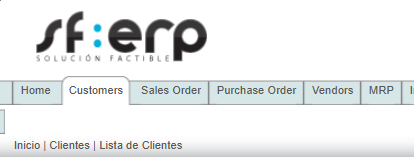
Access the "Customers" module.
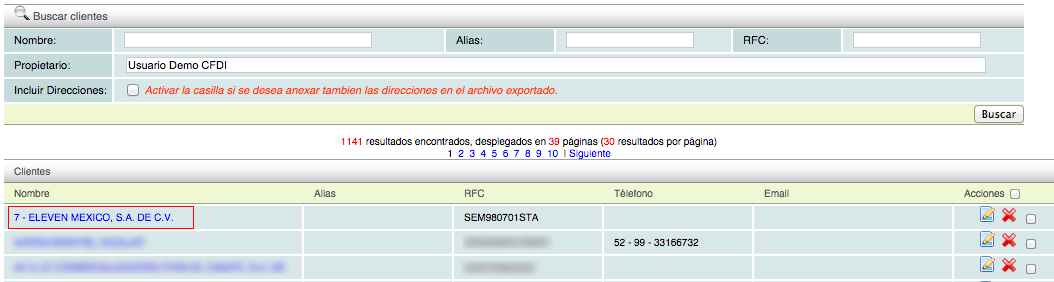
Once inside the module, you can view the customer catalog; click on the customer whose data you want to edit.
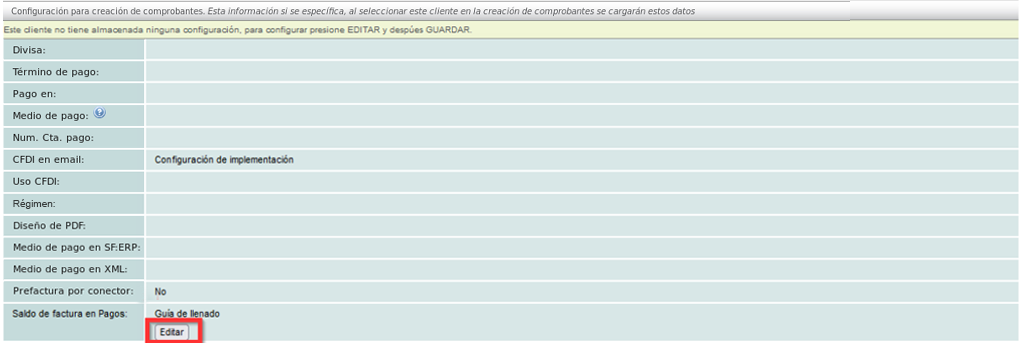
The summary of information for the selected customer will be displayed below; please go to the "Invoicing" tab.

The invoices you have generated will be displayed shortly. At the bottom of the screen, you will find the sections for editing the billing information. Click the "Editar" button to activate the fields.
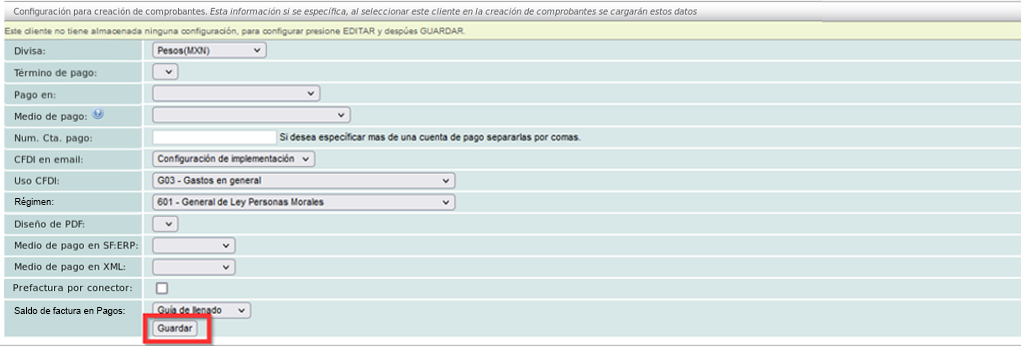
Once you have defined the fields you deem necessary, click the "Guardar" button.